
Manage your Google Business Profile
Edit your profile info, hours, photos and posts, directly from RecensioAI.
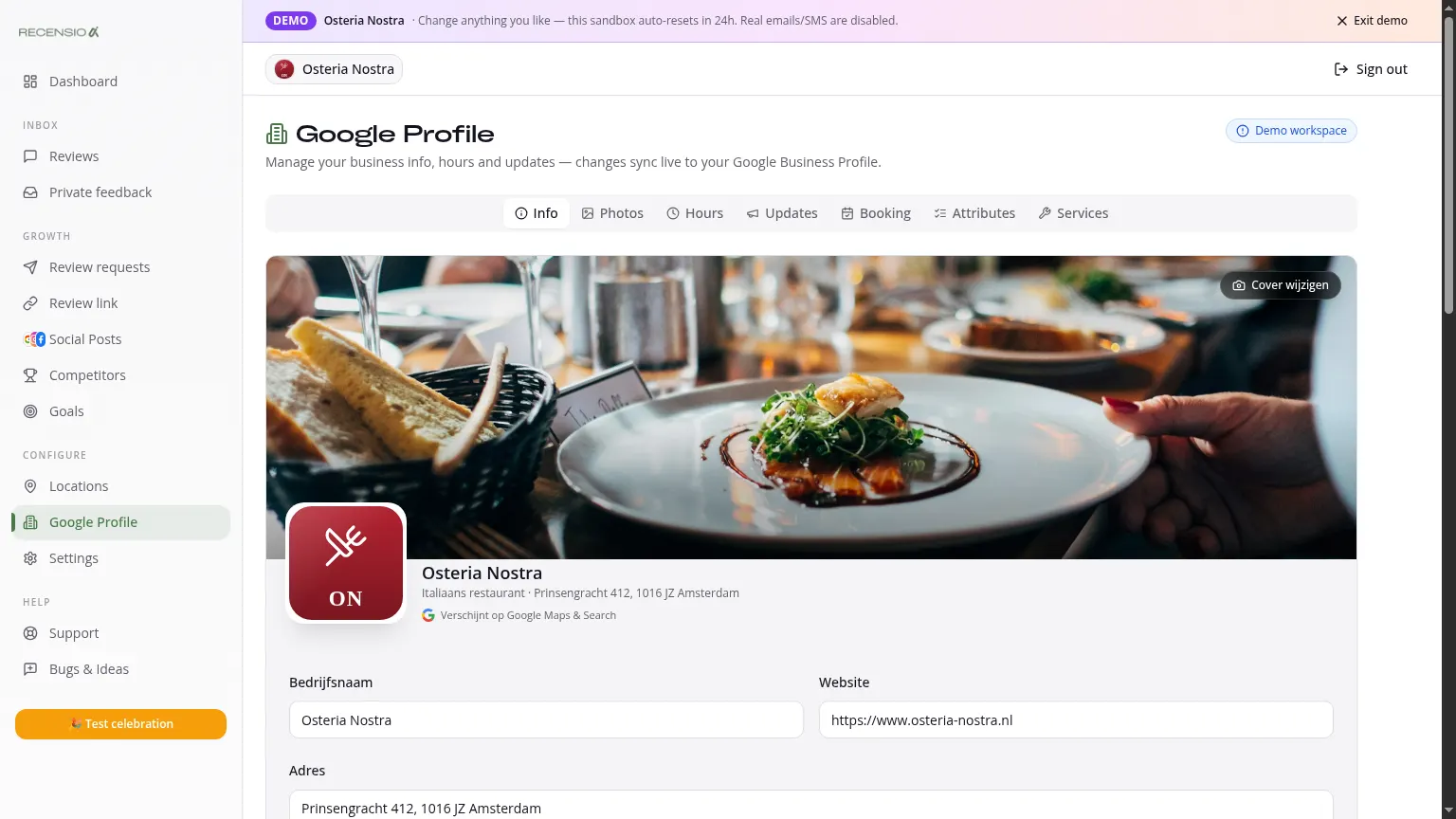
Table of Contents
Open Google Profile
Click Google Profile in the sidebar. Four tabs: Info, Hours, Posts and Photos.
Info tab
Edit your business name, category, description, phone, website and address. Click 'Save', we push it to Google. Changes typically appear on Google Maps and Search within minutes.
Hours tab
Set regular hours per day. Add special hours for holidays or breaks - Google highlights these prominently as 'Different hours'.
Posts tab
Create Google Posts (offer, event, update) directly from RecensioAI. For automatic image + text: use Social Posts with Google as a channel.
Photos tab
Upload or replace logo, cover photo and interior shots. Profiles with 10+ photos get 35% more clicks to website (Google data).
Add extra buttons
Add CTA links: chat, menu, online order, booking, social media. These appear as buttons on your Google Business Profile.
Sync frequency
We sync every 6 hours automatically, and instantly after every edit. Don't see something? Click 'Sync now' in the top-right.
Was this article helpful?
Ready to try RecensioAI?
Collect more reviews, respond with AI and protect your reputation.
Get started free